How to Unlock Samsung Washing Machine – Complete Step-by-Step Guide
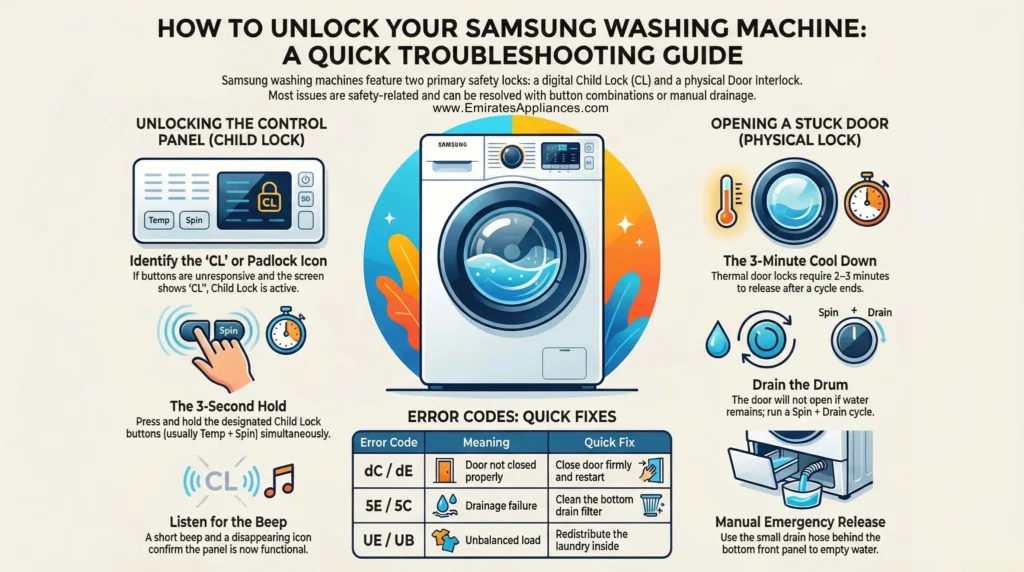
If you want to unlock Samsung washing machine but don’t know where to start, don’t panic. This is a very common issue that most users face at some point. Whether your machine shows a lock icon, a child lock symbol, or the door simply won’t open — this guide will walk you through everything step by step in easy, simple language.
At Emirates Appliances, we deal with Samsung washing machines every day. We buy, sell, and repair them across Dubai and the UAE. So we know exactly what causes these lock issues and how to fix them quickly.
Why Does a Samsung Washing Machine Lock?
Before jumping to solutions, it helps to understand why your Samsung washer locks in the first place.
Samsung washing machines come with built-in safety lock features. These features protect children from accidentally starting a cycle, prevent the door from opening mid-wash to avoid water flooding, and stop random button presses during sensitive wash programs.
The two most common lock types are:
- Child Lock (CL) — Disables the control panel buttons
- Door Lock — Physically locks the door during and after a wash cycle
Understanding which type of lock is active on your machine is the first step toward fixing it properly.
Method 1: Unlock Samsung Washing Machine – Child Lock
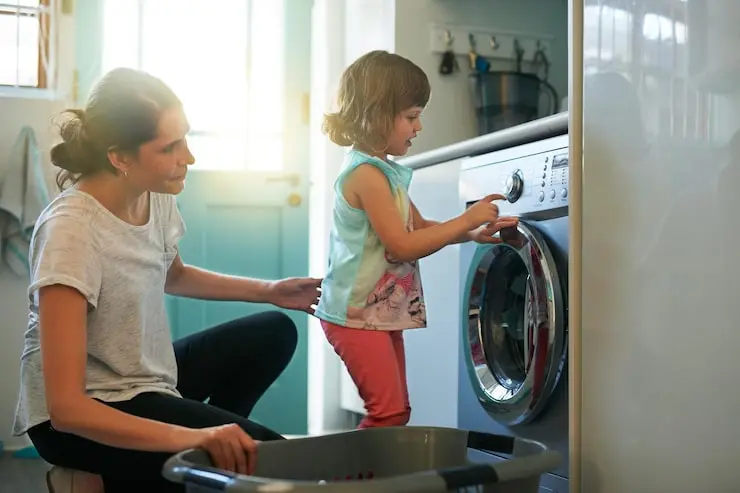
The child lock feature is designed to stop kids from changing wash settings or starting the machine accidentally. When it is active, you will see a small padlock icon or the letters “CL” on the display screen, and none of the buttons will respond.
Follow these simple steps:
- Step 1 — Look at your machine’s control panel carefully. Find the button labeled “Child Lock” or one with a padlock icon. On many Samsung models, this is a shared button — for example, Temp + Spin or Rinse + Spin held together.
- Step 2 — Press and hold that button (or button combination) for 3 to 5 seconds continuously. You should hear a short beep and the lock icon will disappear from the display.
- Step 3 — Try pressing any other button to confirm the child lock is now off. If the machine responds normally — you’re done!
Pro Tip: If you are unsure which button activates child lock on your Samsung model (WW series, EcoBubble, or AddWash), check the sticker on the inside of the door frame or refer to the printed user manual.
Also Check Out: How to Clean a Washing Machine in UAE
Method 2: Unlock Samsung Washing Machine Door Lock
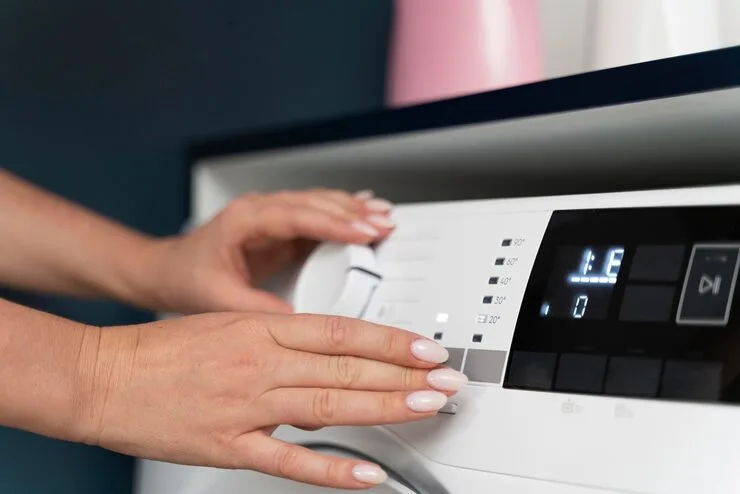
The door lock — also called the door interlock — is a physical safety mechanism. It keeps the washing machine door tightly shut during a wash cycle to prevent water leaks. Once the cycle finishes, it usually releases automatically within 1 to 3 minutes.
However, sometimes the door stays locked even after the cycle ends. Here is how to deal with it:
- Step 1 – Wait patiently. After the wash cycle ends, wait at least 2 to 3 minutes. The thermal door lock mechanism needs time to cool down before it releases. This is completely normal for Samsung front-load washers.
- Step 2 – Check for water in the drum. If water is still sitting inside the drum, the door will NOT open. This is a built-in safety feature. Run a Spin + Drain cycle to remove the remaining water first. After draining, the door should unlock automatically.
- Step 3 – Cancel the cycle. Press and hold the Start/Pause button for 5 seconds. This cancels the current wash program, triggers the drain, and then releases the door lock.
- Step 4 – Use the emergency drain filter. If none of the above works and water is still inside, Samsung front-load machines have a small emergency drain filter behind a cover panel at the bottom front of the machine. Open the panel, pull out the small drain hose carefully, and let the water flow out into a bucket. Once the drum is empty, the door should open freely.
Method 3: Soft Reset to Fix Lock Issues
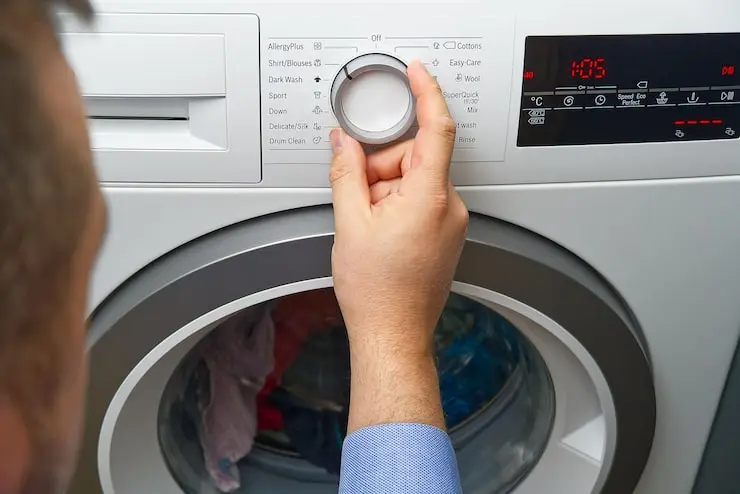
Sometimes the lock is triggered by a software glitch, a power interruption, or a temporary error code. A simple power reset can clear the fault and unlock the machine.
- Step 1: Press the power button to turn off the washing machine completely.
- Step 2: Unplug the power cable from the wall socket.
- Step 3: Wait for 5 full minutes — do not plug it back in early.
- Step 4: Plug the machine back in and turn it on. Check if the lock has cleared.
This reset method works well for Samsung Digital Inverter, QuickDrive, and AI EcoBubble washing machine models.
Also Check Out: How to Increase the Lifespan of Your Washing Machine
Method 4: Samsung Washing Machine Error Codes That Cause Locking
If your Samsung washing machine display is showing an error code, that error may be the reason the door is locked and won’t respond. Here is a quick reference table of the most common error codes and what they mean:
| Error Code | Meaning | Quick Fix |
|---|---|---|
| dC / dE / DE1 | Door not properly closed or door sensor faulty | Close door firmly and restart |
| FL | Door lock failure | Restart machine; call technician if repeated |
| LE | Water leak detected inside | Check hose connections; call technician |
| 4E / 4C | Water supply problem | Check if water tap is open |
| 5E / 5C | Drainage failure | Clean the drain filter at bottom panel |
| UE / UB | Unbalanced load | Redistribute clothes inside drum evenly |
| HE / H1 | Heating element error | Restart; professional service may be needed |
For any door-related error code (dC, dE, FL), try firmly closing the door and restarting. If the error keeps repeating, the door latch, door lock switch, or main control board may need professional inspection.
Method 5: Exit Demo Mode to Unlock Samsung Washing Machine
Some Samsung washing machines — especially those previously used as showroom display units — can get stuck in Demo Mode. In this mode, the display works but buttons don’t function properly and the machine appears permanently locked.
To exit Demo Mode:
Press and hold the Temp + Delay End buttons together for 5 seconds. The display will flash and the machine will restart in normal operating mode. You should now be able to unlock Samsung washing machine controls and use it normally.
Samsung Washing Machine Models – Quick Unlock Reference Table
| Samsung Model | Type | Child Lock Buttons | Door Lock Release |
|---|---|---|---|
| WW70T4020EX | Front Load – EcoBubble | Temp + Spin (hold 3 sec) | Auto after 2 min |
| WW90TA046AE | Front Load – AddWash | Child Lock button (hold 3 sec) | Drain then open |
| WW11BB944DGES | Front Load – AI EcoBubble | Dedicated Lock button | SmartThings App |
| WA13T5260BY | Top Load – Diamond Drum | Hold Temp + Spin 3 sec | Lid opens after spin stops |
| WD21T6300GW | Washer-Dryer Combo | Child Lock + Hold 5 sec | Auto after cycle |
Tips to Prevent Lock Issues in the Future
Keeping your Samsung washing machine well-maintained reduces the chances of lock problems significantly. Following these tips will also help you avoid the need to unlock Samsung washing machine repeatedly:
Need Help to Unlock Samsung Washing Machine in Dubai?
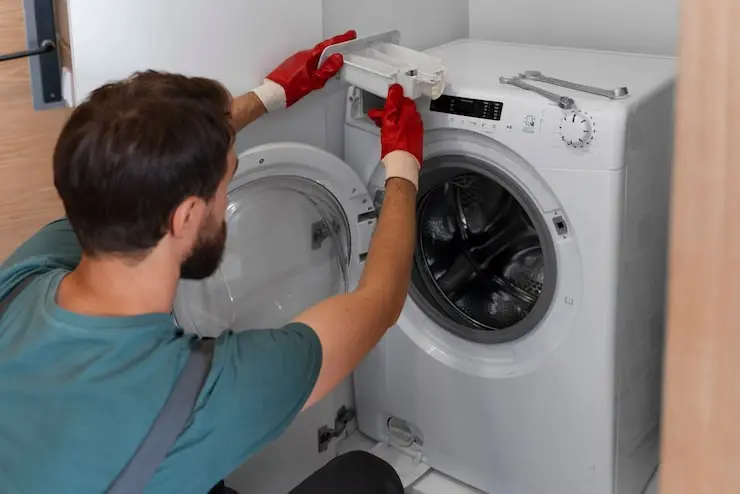
If you have tried all the methods above and your Samsung washing machine is still locked, the issue may be a faulty door latch, a damaged door lock switch, or a control board failure — and these need professional hands.
At Emirates Appliances, our certified technicians are experienced in repairing all Samsung washing machine models across Dubai, Sharjah, and the entire UAE. We offer:
We also have the best collection of used washing machines for sale in Dubai at up to 50% off new prices — all tested, cleaned, and ready to use.
Frequently Asked Questions (FAQs)
Q1: How do I turn off the child lock on my Samsung washing machine?
Press and hold the designated child lock button (or button combination like Temp + Spin) for 3 to 5 seconds until the “CL” icon disappears from the display.
Q2: Why won’t my Samsung washing machine door open after the cycle finishes?
Wait 2 to 3 minutes after the cycle ends, as the thermal door lock mechanism needs time to cool down and release on its own.
Q3: What does the “CL” symbol mean on a Samsung washer?
“CL” stands for Child Lock — it means the control panel is locked and buttons are disabled to prevent accidental use.
Q4: Can I manually unlock Samsung washing machine door without power?
Yes — open the bottom front panel, pull out the small emergency drain hose, drain all the water into a bucket, and the door will open manually.
Q5: Should I call a technician if my Samsung washing machine stays locked?
Yes — if all troubleshooting methods fail, a faulty door latch, lock switch, or control board likely needs professional repair or replacement.